
Google Workspace Setup
for Cold Email
Fully Configured. Inbox-Ready.
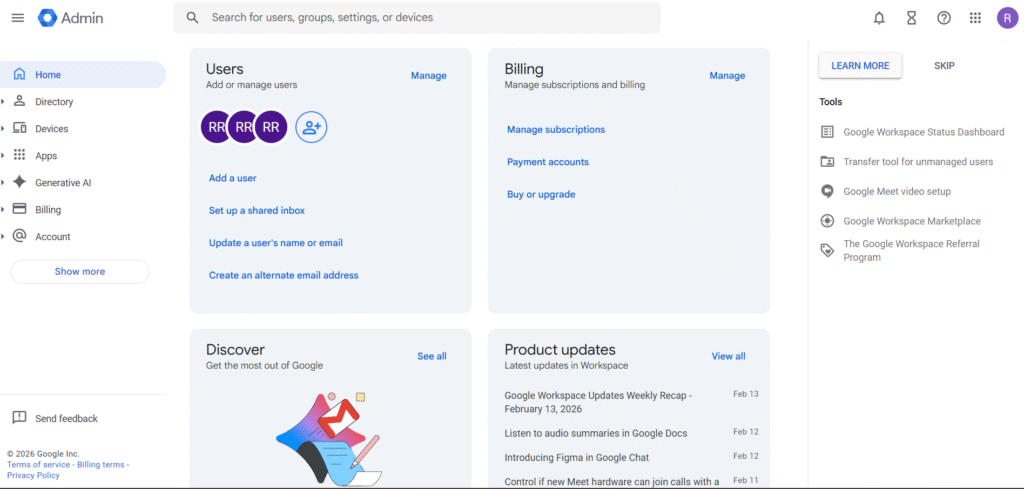
Official Google Workspace inboxes at reseller pricing, configured with SPF, DKIM, DMARC and safe sending limits so your outreach starts clean and stays out of spam.
Trusted by agencies & B2B founders scaling outbound infrastructure
- Official Google Workspace Accounts
- SPF, DKIM & DMARC Fully Configured
- Inbox-Ready for Cold Email Outreach
Need Bulk Inboxes or Custom Setup?
Get a custom quote for agency pricing, advanced authentication, or large-scale inbox provisioning.
- Response within 2 hours
- No obligation consultation
- WhatsApp support available
Talk to a Setup Specialist
We’ll review your domain & recommend the right configuration.
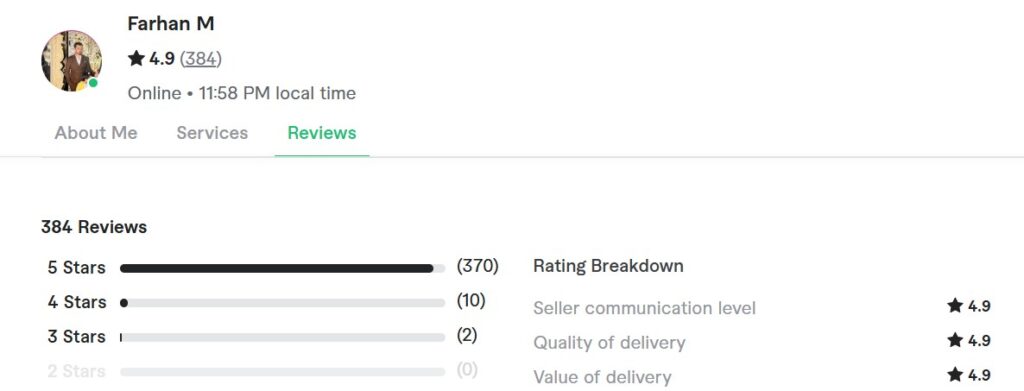
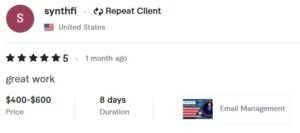
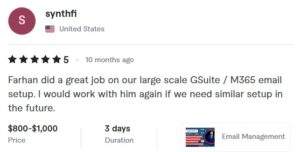
Trusted by 380+ Agencies Worldwide
⭐⭐⭐⭐⭐ 4.9/5 Rated on Fiverr
Verified reviews from real cold email clients.
WORKSPACE
Google Workspace Business Inbox
$7/user (Retail price) $3/user (our reseller price)
Save 57% vs retail pricing
- Inbox creation upto 5 per user
- SPF, DKIM, DMARC configuration
- DNS authentication alignment
- Basic deliverability setup
- Whatsapp support


Built for Cold Email Teams & Agencies
Google Workspace reseller accounts provide enterprise-grade reliability for outbound teams that need stable inboxes and strong domain authentication.
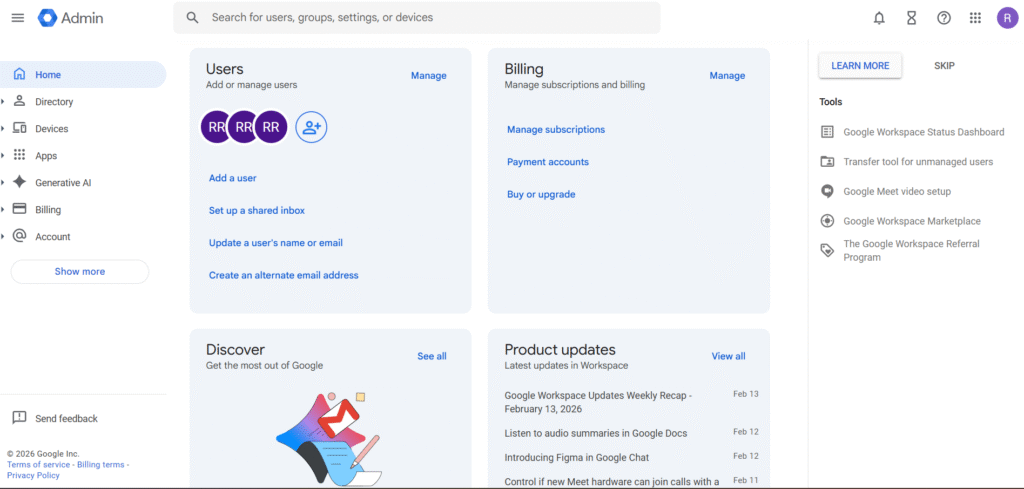
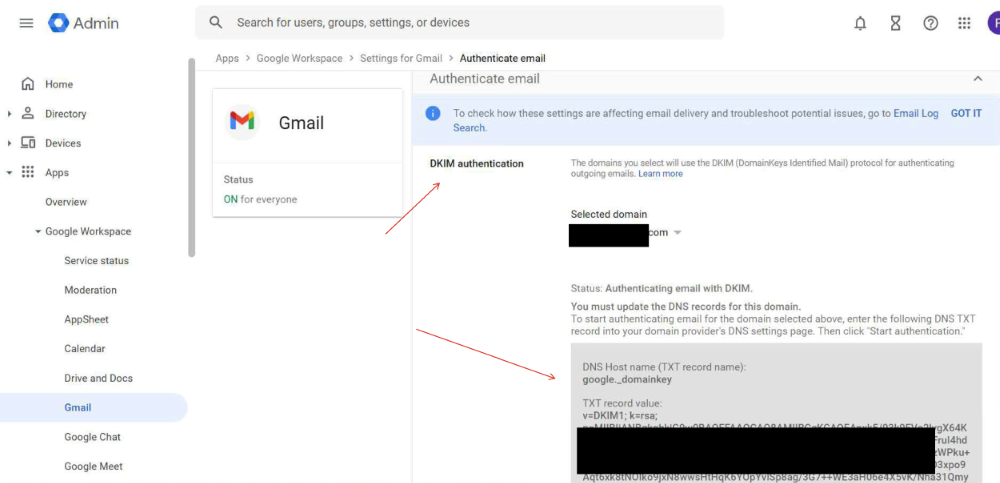
Every inbox is configured with proper SPF, DKIM, and DMARC alignment to ensure cold emails pass authentication checks. Email providers evaluate sender reputation, domain age, engagement behavior, and infrastructure health before deciding inbox placement.
Without proper email deliverability setup, campaigns risk:
Landing in spam
Domain blacklisting
Reduced reply rates
Poor open rates
Our Google Workspace reseller setup focuses on scalable cold email systems with safe sending limits and long-term domain protection.
This ensures your cold email infrastructure remains stable even as outreach volume increases.
What’s Included with Google Workspace Inboxes
When you buy Google Workspace inboxes through us, you get:
- Official Google Workspace inboxes
- Inbox creation and configuration
- SPF, DKIM, and DMARC setup
- Basic deliverability best practices
- Guidance on safe sending limits
Who Should Use Google Workspace Inboxes
Google Workspace inboxes are a good fit if:
- You’re starting cold email or outbound
- You want stable deliverability
- You prefer Google’s inbox ecosystem
- You need simple, reliable inboxes without technical setup
- Guidance on safe sending limits
Why Use Google Workspace for Cold Email?
Google Workspace is one of the most trusted email ecosystems globally, making it a strong choice for cold email outreach when configured correctly. Email providers evaluate authentication records, domain age, sender behavior, and engagement metrics before deciding inbox placement.
When Google Workspace inboxes are properly set up with SPF, DKIM, and DMARC, your emails gain authentication alignment that improves deliverability. Combined with controlled sending limits and warmup processes, this creates stable cold email infrastructure.
As a Google Workspace reseller, we do more than just provide inboxes. We configure DNS records, align domain authentication, optimize sending limits, and ensure your setup supports scalable outreach without damaging domain reputation.
For founders, agencies, and outbound teams, Google Workspace remains one of the safest long-term solutions for cold email when implemented correctly.
Get Google Workspace inboxes at reseller pricing with full setup included. We handle SPF, DKIM, DMARC, DNS configuration, and cold email deliverability. Below are answers to common questions about Google Workspace setup.
Google Workspace Reseller FAQs
Q1. Is this official Google Workspace?
Yes. We provide official Google Workspace inboxes at reseller pricing with full business configuration included.
Q2. Is inbox setup included?
Yes. We configure DNS, SPF, DKIM, DMARC, and basic deliverability settings at no extra cost.
Q3. Can I use Google Workspace for cold email?
Yes, when properly configured with authentication and controlled sending limits, Google Workspace supports cold outreach campaigns safely.
Q4. How many inboxes can I create per domain?
We recommend 2–3 inboxes per domain to maintain strong sender reputation and safe sending behavior.
5. How long does setup take?
Most setups are completed within 24–48 hours depending on domain DNS propagation.
Need Advanced Infrastructure?
If you already have inboxes or need custom infrastructure such as subdomains or scaling setups, we offer standalone infrastructure services separately.